Adding AI to a product you already have is not the same as building something new. You have real users, real data, and real things that work today. The goal is to make it better, not to break the thing that's paying the bills. And that's exactly where a lot of AI features go wrong.
So here's a practical, honest guide to adding AI to an existing product without wrecking it, from a team that does this for clients and inside our own SaaS.
The short version: start with a real problem, not with the AI. Add it where it genuinely helps, ground it in your own data, put guardrails and testing around it before it touches users, ship one feature, and measure it before you add more. Small and useful beats big and broken.
Start With the Problem, Not the AI
The most common mistake is adding AI because everyone else is, not because it solves anything. That's how you end up with a feature nobody uses and a bill every month.
Before anything else, name the actual problem. Where do your users get stuck, waste time, or ask for help? AI is worth adding when it makes one of those moments clearly better. If you can't point at the problem, you're not ready to add the AI yet, and we'll tell you that honestly rather than build you something shiny and useless.
Avoid the Bolt-On Trap
The classic failed AI feature is a chatbot slapped in the corner of the screen, disconnected from everything, answering generic questions badly. It looks like "we have AI now." It helps no one.
The better approach is to build AI into the workflows people already use. Not a separate chatbot island, but the AI quietly doing the work at the exact moment it helps: summarizing the thing they're looking at, drafting the reply they were about to write, catching the error before they submit. Woven in, not bolted on.
Ground It in Your Own Data
Generic AI knows the internet. It doesn't know your product, your customers, or your rules, and when it guesses, it guesses wrong in ways that embarrass you.
The fix is grounding the AI in your own data, usually with a setup called RAG, so its answers come from your actual knowledge instead of thin air. This is the difference between an AI feature that's genuinely useful and one that confidently tells your customer something untrue.
Put Guardrails Around It Before It Ships
The moment an AI feature can touch customer data, send something, or take an action, it needs guardrails. What is it allowed to do? What happens when it's unsure? How do you stop it from doing something it shouldn't?
You also need to actually test it, not just try it once and ship. An AI feature that works in your demo can fail in a hundred small ways with real users. Evaluating it before launch is what keeps a helpful feature from becoming a public mistake. This is the same discipline that AI-built apps usually skip, which is where they break.
Design for the Running Cost
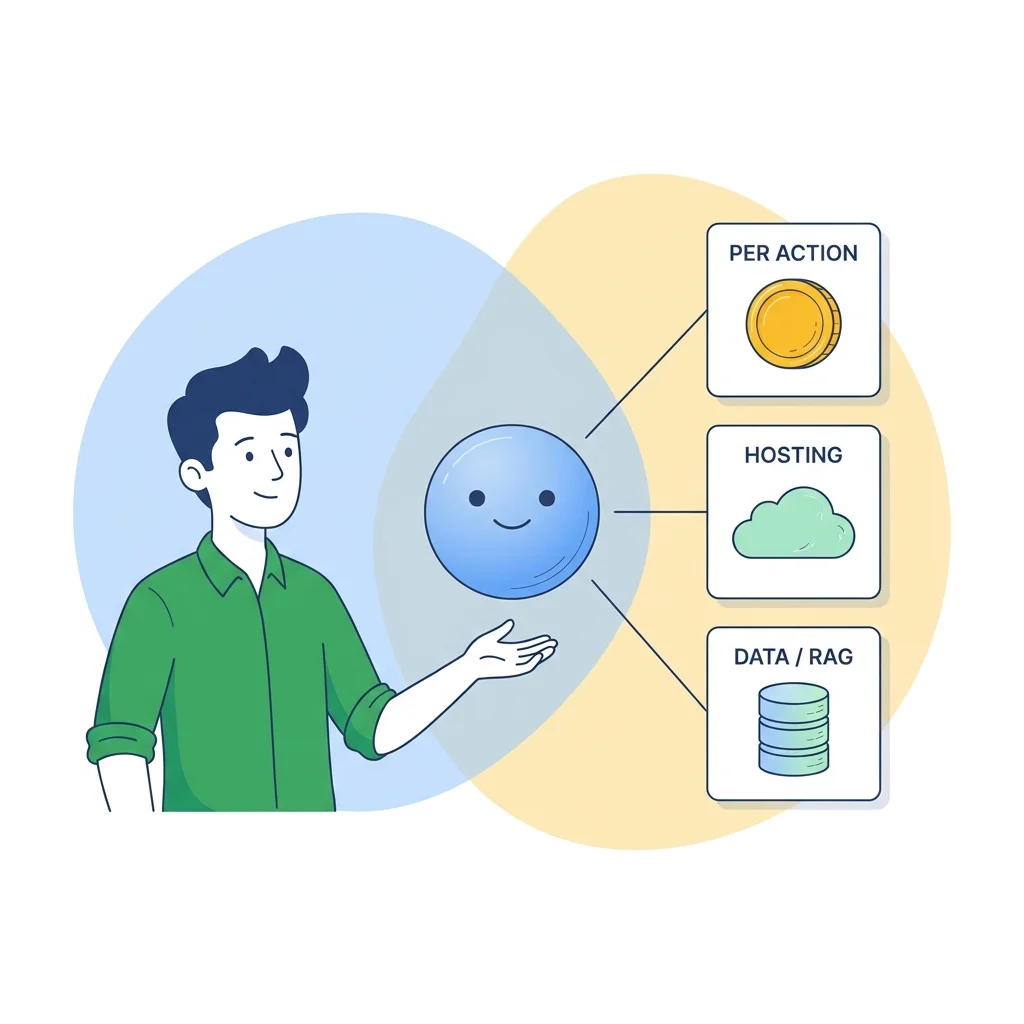
Unlike a normal feature, an AI feature keeps costing money every time someone uses it. Each AI action has a small cost, and it adds up with volume. That's not a reason to avoid AI. It's a reason to design for it: use the right-sized model for the job, don't call the AI when you don't need to, and know your numbers before you scale.
If you want the full picture, we broke down what it actually costs to build and run an AI agent, and the same logic applies to any AI feature.
Ship Small, Measure, Then Expand
One AI feature done well beats ten half-working ones. Pick the single highest-value place, ship it properly, and watch what real users do with it. If it earns its keep, expand. If it doesn't, you've learned that cheaply instead of betting the roadmap on it.
This is the honest way to add AI: not a big bang, but a real feature that works, that you can trust, and that you can build on.
Getting Help With It
Adding AI well takes two things at once: knowing your product and knowing how to build AI that survives production. That's exactly the pairing we bring. We've added AI into our own SaaS and delivered it for a client, so we know both the "make it useful" and the "keep it from breaking" side.
If you're weighing where AI fits in your product, that's a good first conversation, and we'll be straight about whether it's worth it. See AI development services for how we work.
Frequently Asked Questions
How do I add AI to my existing product?
Start with a real user problem, not with the AI. Pick one place where AI clearly helps, ground it in your own data so it's accurate, add guardrails and testing before it touches users, ship that one feature, and measure it before you add more. The mistake is bolting on a generic chatbot nobody asked for.
Will adding AI break my current app?
It can, if it's bolted on carelessly, which is exactly how a lot of AI features go wrong. Done properly, AI is added as a contained feature with its own guardrails and tests, so it doesn't destabilize what already works. The key is treating it like any other production feature, not a magic sprinkle.
Do I need to rebuild my product to add AI?
Almost never. In most cases AI is added into your existing product without a rebuild: the feature, the data grounding, and the infrastructure to run it reliably. If someone tells you that adding AI means starting over, get a second opinion.
How much does it cost to add an AI feature?
The build scales with scope, and there's an ongoing run cost too: roughly $0.10 to $0.90 per AI action, plus hosting and, if it uses your data, a RAG setup. A small, focused feature is inexpensive to run. See our breakdown of what an AI agent actually costs for the full picture.
Related reading: AI Development Services, What It Actually Costs to Build a Production AI Agent, and Where AI-Built Apps Actually Break.
Get practical engineering insights
Real lessons from building products - ours and our clients'. No spam. Monthly.
Have a project in mind?
We'd love to hear what you're building. Let's talk about how we can help.
Let's Talk