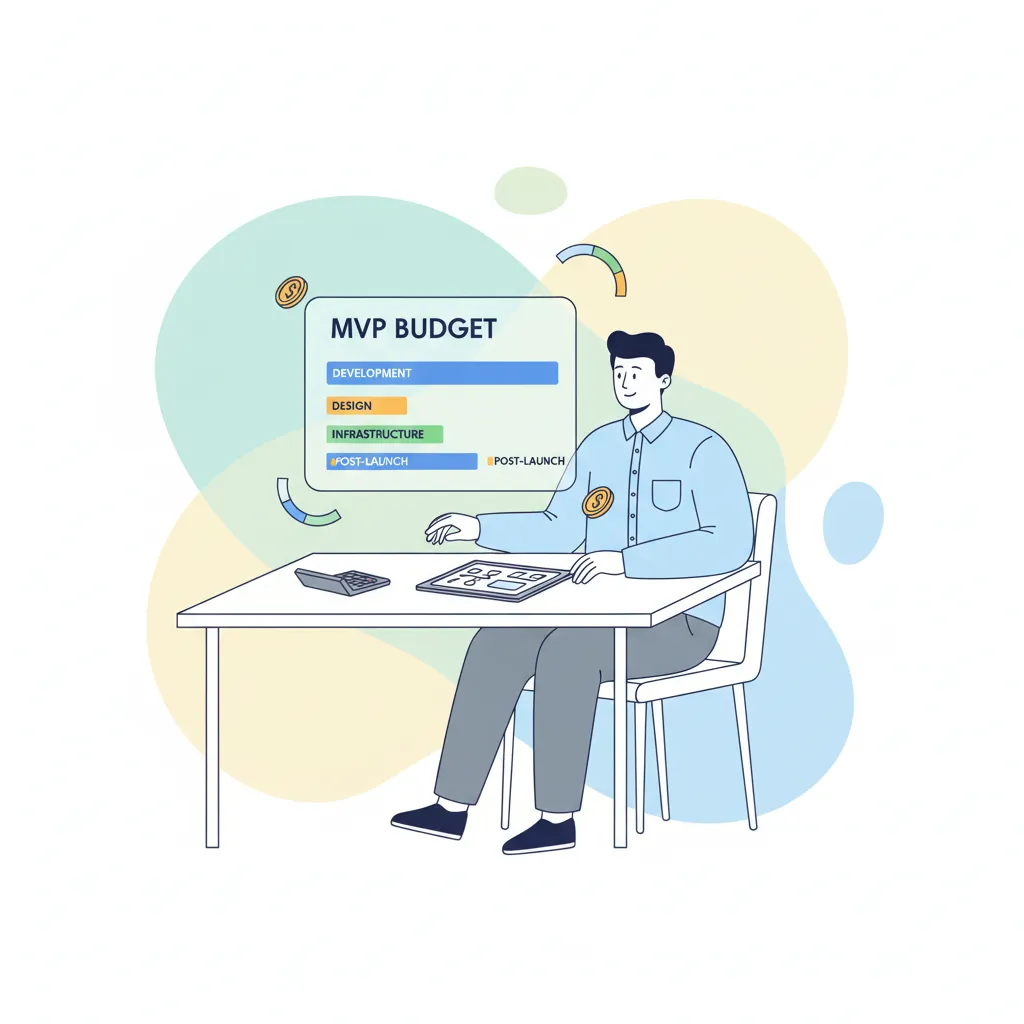
You have an idea, maybe some funding, and a growing sense that you should "get something built." What you probably don't have yet is a plan for what that something actually is.
That's the gap most software budgets disappear into. Not bad code. Not bad developers. A fuzzy idea that nobody pinned down before the build started. So it kept growing, kept changing, and kept costing more.
Scoping is how you close that gap. Done well, it's the cheapest, highest-leverage work you'll do on your whole project. It happens before you hire anyone, before you spend a dollar, and it can save you months and tens of thousands.
Here's how to do it: in plain language, from a team that scopes projects for founders and has scoped, cut, and shipped our own SaaS product with our own money on the line.
Why Most Software Projects Blow Their Budget Before a Line of Code
The damage is usually done before development starts. Unclear requirements and creeping scope are two of the most reliable ways a software budget overruns. And study after study points the same direction: projects that start with clear, agreed specifications are far more likely to land on time and on budget than the ones that don't.
For a founder, the problem has a much simpler shape. It's the word "also."
"Can we also add user profiles?" "Can it also send a weekly digest?" "Can we also have an admin dashboard?" Each "also" sounds small. Each one is reasonable on its own. Together, they're how a $30,000 build quietly becomes a $60,000 one. And a three-month timeline becomes seven.
Here's an honest thing worth saying: most development teams will happily build whatever you put in front of them. More scope means more billing. That's not a knock on anyone. It's just how the incentives line up. Which means the discipline has to start with you. Scoping is how you stay in control of your own budget before you ever hand it to a team.
The good news: you don't need to be technical to do this well. You just need to be clear.
Start With the Problem, Not the Features
The instinct is to start listing features. Resist it. Features are answers, and you can't pick the right answers until you're sure of the question.
Start with one sentence instead:
What is the single action my user needs to complete, and how will I know it worked?
That's it. If your product is for freelancers chasing late payments, the single action might be "send an automatic reminder when an invoice goes overdue," and you'll know it worked when reminders go out and a few invoices get paid faster. Everything else (the dashboard, the reporting, the integrations) is in service of that one action, or it's not in your first build.
Work outward from there, in this order:
- The business problem. What pain are you removing, for whom?
- The users. Who actually touches this, and what do they need from it?
- The core workflow. The shortest path from "user shows up" to "user gets the thing they came for."
Only after that do you let yourself write a feature list.
One honest note: this is hard when you love your idea. Every part of it feels essential because you've lived with it in your head for months. That's normal. The job of scoping is to separate what you're attached to from what your user actually needs first. They're rarely the same list.
The 5 Things to Define Before You Talk to Anyone
You don't need a 40-page specification. You need clarity on five things. Get these down on paper (a few pages is plenty) and you can walk into any conversation with a developer or agency on solid ground.
User roles
Who uses this product, and what is each type of person allowed to do? A simple marketplace might have three roles: a buyer, a seller, and you (the admin). Naming the roles early stops a lot of confusion later, because almost every feature behaves differently depending on who's using it.
Features per role
For each role, list the actions they take, not the screens they see. "A seller can create a listing." "A buyer can pay for an order." "An admin can refund an order." Thinking in actions instead of screens keeps you focused on what the product does, not what it looks like. The look comes later.
Integrations
This is the single most under-scoped part of almost every project, so it's worth slowing down on. Payments, login, email, SMS, maps, third-party data. Every integration you add brings real cost and real risk. Each one is another system that can change its rules, break, or need handling when it fails.
Founders routinely forget to count these, then act surprised when the estimate comes back higher than expected. List every external service your product needs to talk to, up front. If you're not sure whether you need one, that's a great question to bring to a scoping conversation.
A rough data model
In plain terms: what information does your product need to store? For a marketplace, you store users, listings, and orders. You don't need to know about database tables or schemas. That's the build team's job. You just need to be able to say, "we keep track of these kinds of things, and here's how they relate." If you can describe the nouns in your product, you've done this step.
Success criteria
The one or two measurable things that will tell you the product worked. "50 sellers create a listing in the first month." "20 paid orders go through." Vague goals like "get traction" can't be measured, which means they can't tell you whether to keep going or change course. Pick numbers.
That's the whole scope. Five things, a few pages. It's more useful than a spec ten times its length. And we'll come back to why.
Prioritize Ruthlessly: Must-Have vs. Nice-to-Have
You now have a feature list. It's almost certainly too long. Every first build is.
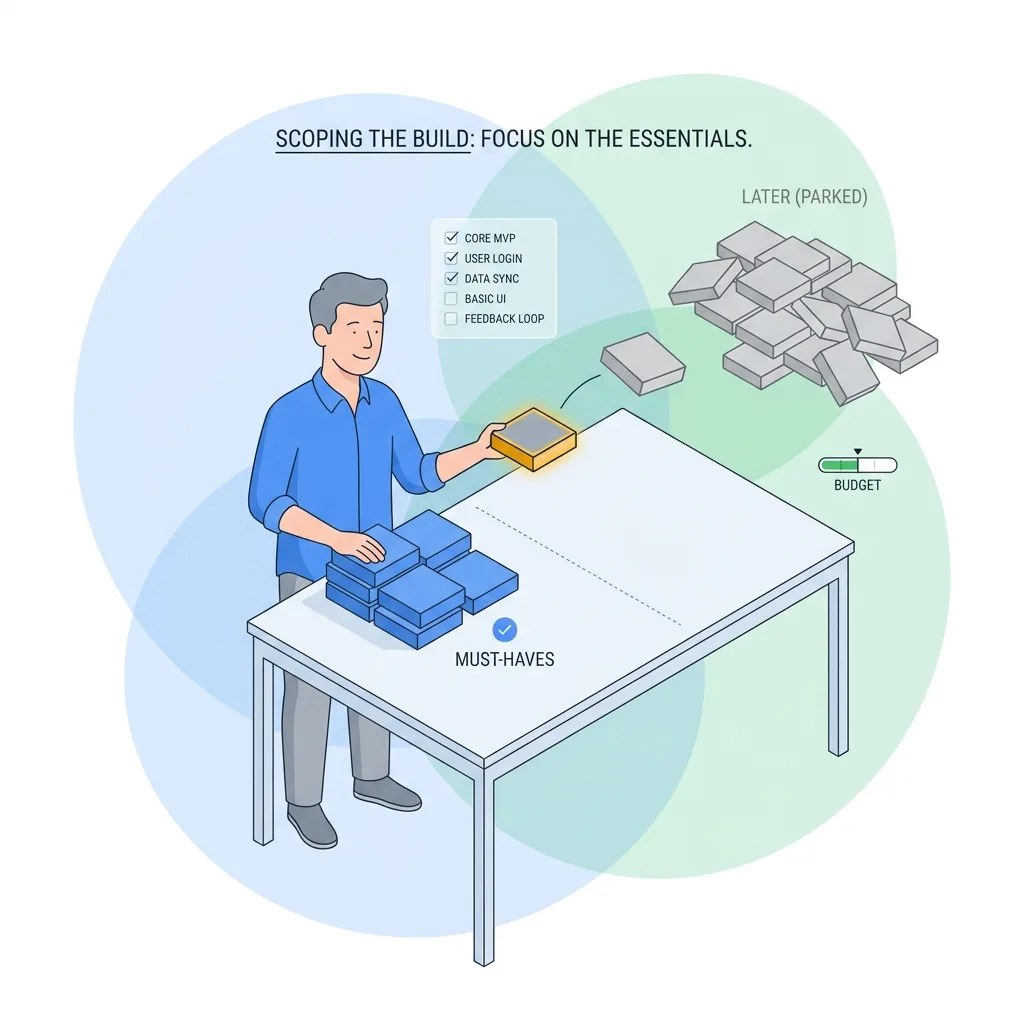
The cleanest way to cut it down is a method called MoSCoW. Don't let the name put you off, in founder terms it's just four buckets:
- Must-have, the product is pointless without it. This is your launch.
- Should-have, important, but the product still works without it for now.
- Could-have, nice, but nobody will miss it at launch.
- Won't-have (yet), explicitly parked for later, on purpose.
Most founders can sort features into these buckets in an afternoon. The hard part is being honest about how small the "Must-have" bucket should be.
Here's the real test for whether something is a must-have:
Does this feature test my riskiest assumption? If not, it's v2.
Let's make that concrete with a marketplace MVP, say, a platform connecting local tutors with parents. The full vision has ratings and reviews, an in-app messaging inbox, automated scheduling, payment splitting, and a polished admin dashboard. Beautiful. Also a six-month build before you've learned a single thing.
Here's the hard cut:
- Keep: a tutor can create a profile, a parent can find a tutor and book a session, and a payment goes through. That's the riskiest assumption (will parents pay to book a tutor here) and nothing else matters until you know the answer.
- Cut to v2: the ratings system. You won't have enough sessions for ratings to mean anything yet.
- Cut to v2: the messaging inbox. Let tutors and parents email or text for now. It's clunky. It's also free, and it works on day one.
- Cut to v2: the slick admin dashboard. You'll run the back office out of a spreadsheet at first. It's not glamorous, but a spreadsheet costs nothing and tells you exactly which admin features you'll actually need before you pay to build them.
That last cut is the one founders fight hardest, so it deserves its own warning.
Don't forget the back office. Founders obsess over the customer-facing side of the product, the part they imagined, the part in the pitch deck. Then they forget that someone has to run the thing: approve listings, handle refunds, fix bad data, answer support. That admin and back-office layer is routinely 30 to 40 percent of the total build, and it's the part most often left out of the first scope entirely. You don't have to build a fancy version of it. But you do have to account for it, or it'll show up as a nasty surprise halfway through.
How to Size the Effort (Without Being Technical)
Here's a relief if you've been dreading this part: you don't estimate the project. The team does. Your job is to describe the outcome clearly enough that they can.
That reframes the whole exercise. You're not pretending to know how many hours a login system takes. You're making sure that when a team looks at your scope, they understand exactly what you want. So their estimate is accurate instead of padded with guesswork.
A few principles make estimates better, not worse:
- Keep the scope doc short. Aim for around five pages: your user stories plus a prioritized feature list. Counterintuitively, a 40-page spec makes estimating harder. It buries the important decisions in detail and tempts everyone to lock in choices that should stay flexible. Clear and short beats long and exhaustive.
- Leave out the "how." Don't specify the tech stack, the database design, or pixel-perfect screens. You define what the product does; the team decides how to build it. We're stack-agnostic on purpose: the right technology depends on the problem, and a good team chooses it based on your needs, not their habits. If a scope doc dictates the database before anyone's discussed the workload, that's a red flag.
- Get two or three quotes. And compare the right things. Don't just look at the bottom line. Compare what's included, how each team works, and who's actually going to build it. A cheap quote that excludes testing, deployment, and the admin layer isn't cheap. It's incomplete.
A good scope doc is the thing that lets you read three quotes and understand why they differ. Without it, you're comparing numbers with no context.
What a Good Scoping Conversation Looks Like
Once your scope is on paper, you'll take it to a team. This conversation tells you a lot about who you're about to work with.
Watch how they handle your feature list. A partner who pushes back ("you don't need that for launch," "let's park this," "a spreadsheet will do for now") is doing you a favor, even when it doesn't feel like one. A partner who says yes to everything is, gently, selling you a bigger invoice. The first one is protecting your runway. The second one is spending it.
This is how we run a scoping conversation. We'll go through your feature list with you and tell you honestly what to build first and what can wait, not because we want to bill less, but because we want you to succeed faster. A tighter first build means you learn sooner, spend less, and keep more runway for the iterations that actually matter once real users show up.
We learned this discipline the hard way, on our own product. When we built Formester, we started with a long list of features we were sure we needed and cut it down hard before we let ourselves write code. Making those cuts with our own money taught us what they really cost. And why the cheapest feature is the one you talk yourself out of building.
After You've Scoped It, What Happens Next
A good scope doesn't sit in a drawer. It does three jobs in sequence:
- It drives the estimate. Clear scope, accurate quote. Here's what a scoped MVP actually costs so you can sanity-check the numbers you get back.
- It drives the build. Once it's scoped and priced, here's the eight-week build process that turns the doc into a working product.
- It tells you who to build it with. Scope in hand, here's how to hire developers without getting burned.
And one honest caveat, because it's too important to bury. Sometimes the right answer after scoping isn't "build this smaller version." Sometimes it's "don't build yet." If scoping reveals you're not sure who your user is, or whether they'll pay, more scoping won't save you, validation will. Before you scope, it's worth making sure you should build at all. We wrote a whole companion piece on exactly that: when NOT to build an MVP.
Scoping is also how we shipped Eitoss fast. They came to us with a validated problem, a clear, real need they'd already confirmed in the market. We scoped it tight, cut everything that wasn't essential to test it, and shipped the MVP in three months. The tight scope is why the timeline held. They raised funding, and we've been building together for over two years since. That outcome started with a short, ruthless scope doc, not a long one.
Your Pre-Build Scoping Checklist
Before you spend a dollar, you should be able to check every one of these:
- I can state the single action my user takes, and how I'll know it worked, in one sentence.
- I've defined my user roles and what each one can do.
- I've listed features as actions per role, not screens.
- I've listed every integration the product needs (and counted the cost of each).
- I've described, in plain terms, what information the product stores.
- I've set one or two measurable success criteria.
- I've sorted every feature into Must / Should / Could / Won't-yet. And my Must list is short.
- I've accounted for the admin and back-office layer (even if it's just a spreadsheet to start).
- My scope doc is around five pages, and it says what, not how.
- I'm ready to compare quotes on what's included, not just the price.
If you can tick all ten, you're ready to talk to a team. And you'll talk to them as someone in control of their own project.
Want a Second Pair of Eyes on Your Scope?
Bring us your idea and we'll scope it with you, honestly. We'll tell you what to build first and what can wait, no commitment. The goal isn't a bigger invoice. It's the smallest first build that teaches you the most.
Book a scoping call, or read more about how we approach MVP development.
Related reading: When NOT to Build an MVP: Signs You're Not Ready | How Much Does MVP Development Cost in 2026? | How to Hire Developers for Your Startup Without Getting Burned
Get practical engineering insights
Real lessons from building products - ours and our clients'. No spam. Monthly.
Have a project in mind?
We'd love to hear what you're building. Let's talk about how we can help.
Let's Talk